Many TVs and media devices can be controlled with infrared, just like a traditional remote. IP control uses the home network instead, allowing Control4 to communicate directly with compatible equipment. The result is usually quicker, more reliable control, with useful on-screen feedback about what the device is doing.
Why it can be better than infrared
Infrared needs a small emitter placed in front of a device’s sensor. It works well in many systems, but it only sends commands; it cannot confirm whether the TV is on, which channel is selected, or the current volume level.
Clearer feedback, fewer surprises
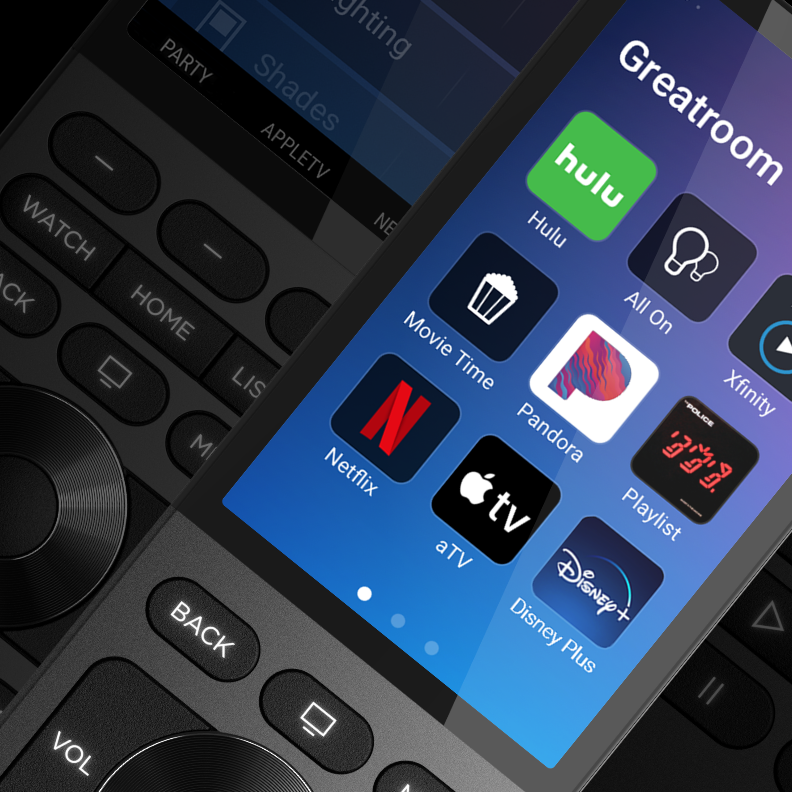
With IP control, Control4 can receive information back from a compatible device. That means the interface can show the correct power state, volume and available services. You can often select a channel or open an app such as Netflix directly from an icon, rather than stepping through a sequence of remote commands.
Older TVs sometimes used a single infrared power button: sending it could turn the TV on if it was off, or turn it off if it was already on. This could leave the system out of step. IP control avoids that uncertainty by confirming the device’s state.
At a glance
- No infrared emitter needed on compatible devices
- Control4 can confirm whether a device is on or off
- Shows useful feedback such as volume and channel
- Direct access to compatible apps and services
- Available on many modern TVs and media devices