Audio guide
Play music with AirPlay
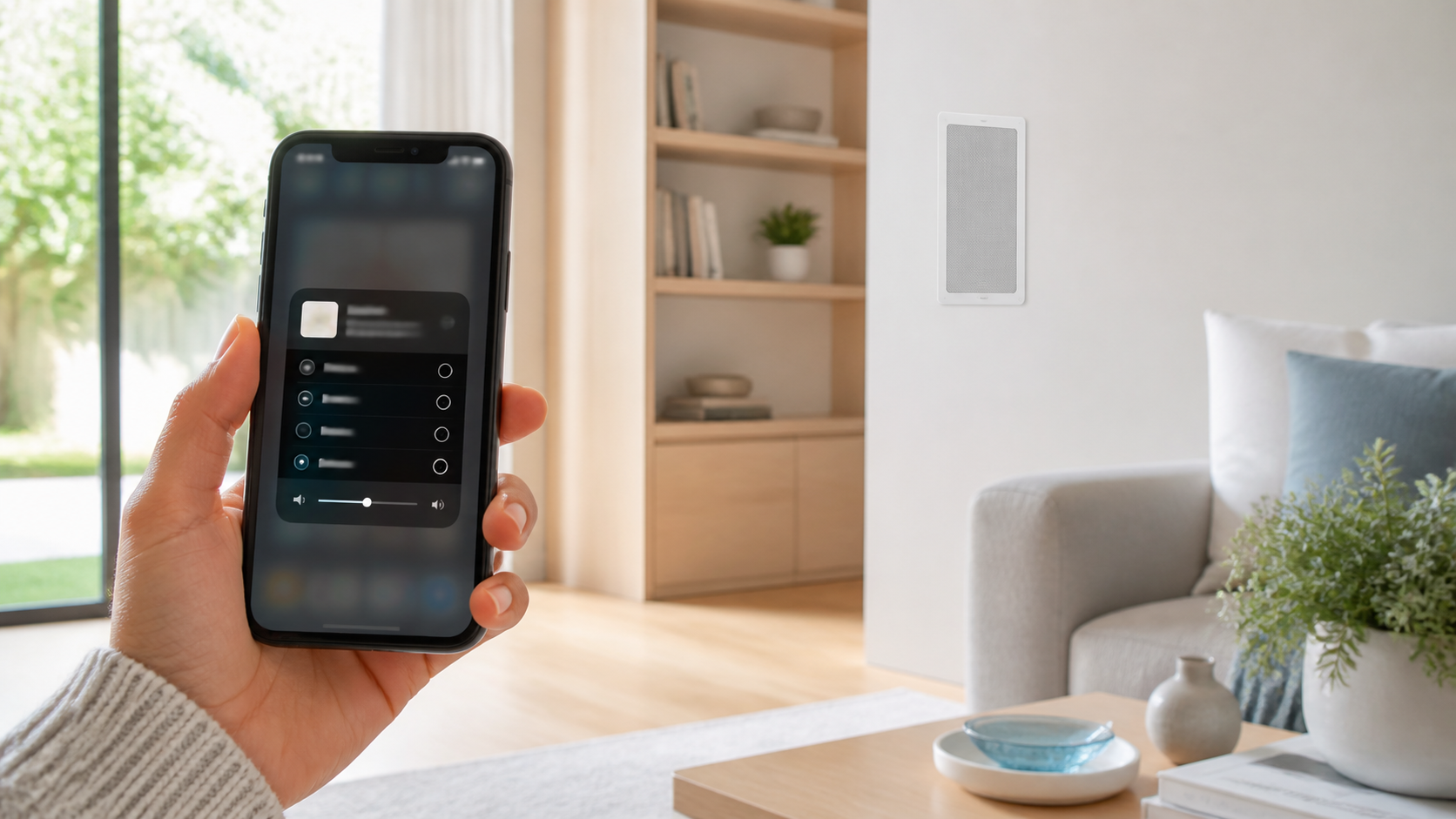
Send audio from your iPhone, iPad or Mac straight to any room in your home. Simply choose the room in AirPlay—the system switches to AirPlay automatically.

How to play audio
Start your music, podcast or radio in the app you normally use. Then select where you would like to hear it.
1
Start playing something
Open Apple Music, Spotify, BBC Sounds, a podcast app or another audio app on your Apple device.
2
Tap the AirPlay button
Look for the AirPlay icon in the app’s playback controls, then tap it.
3
Choose your room
Select the room you want to listen in, such as Kitchen, Living Room or Garden.
4
Enjoy your music
That room automatically changes to AirPlay. You do not need to open the Control4 interface first.
Want music in more than one room? Choose additional rooms from the same AirPlay list. You can adjust the volume for each room on your Apple device.
Can’t see a room?
Check that your Apple device is connected to your home Wi-Fi, then try opening the AirPlay list again. If the room still does not appear, please contact us and we will help.